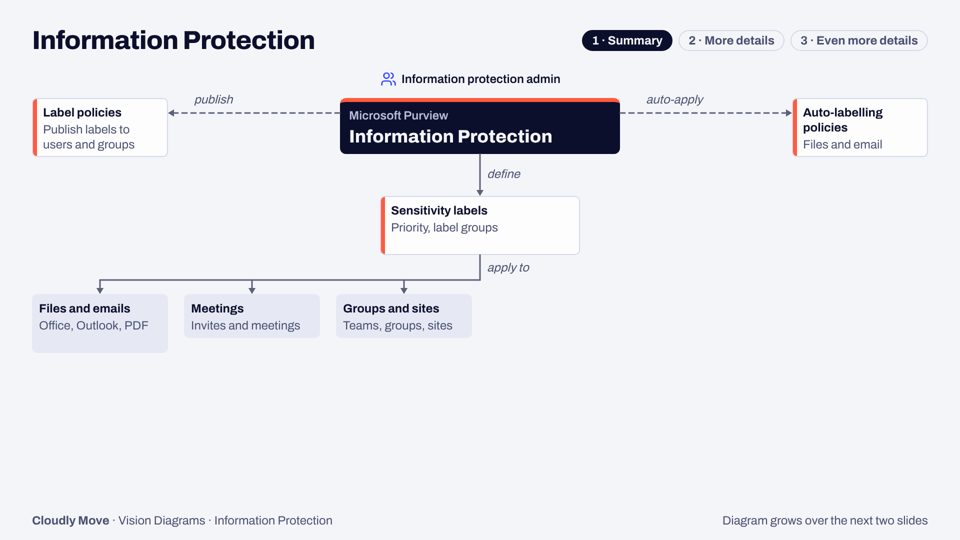
Information Protection
Sensitivity labels, encryption and auto-labelling across Microsoft 365, Fabric and Copilot, drawn in three levels of detail.
Eleven Microsoft Purview modules, each drawn as one architecture diagram that grows over three slides: summary, more details, even more details. Every deck adds zoom tables and what changed in 2025–26. Free as a PDF by email.
Sensitivity labels, encryption and auto-labelling across Microsoft 365, Fabric and Copilot, drawn in three levels of detail.
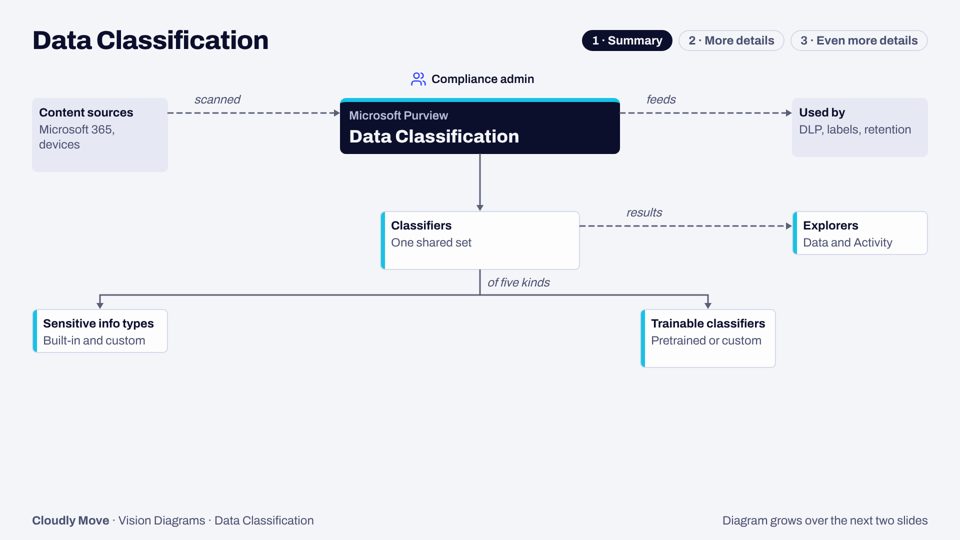
The classifiers every Purview solution relies on to find sensitive data, and the explorers that show what they found.
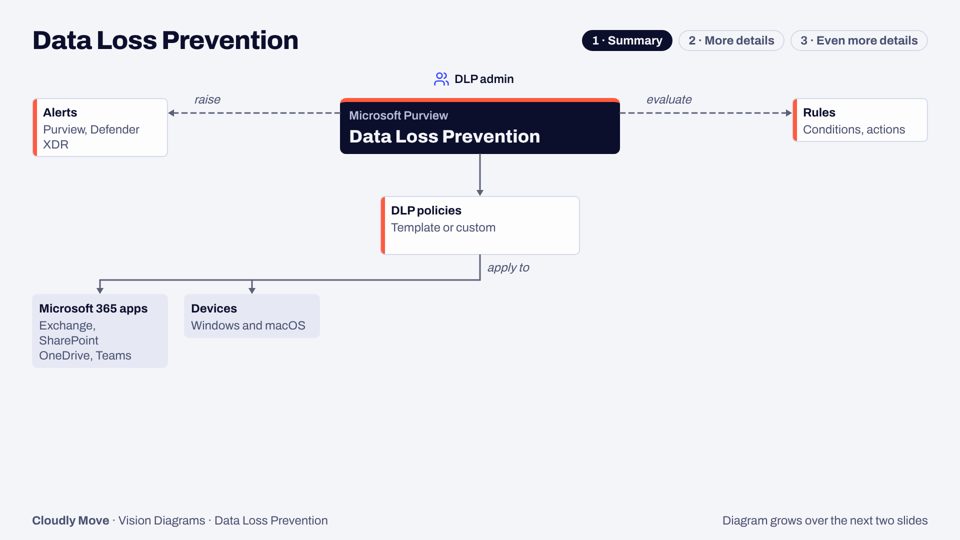
Policies that spot sensitive data in use and warn, block or restrict it, from email to devices, browsers, Copilot and agents.
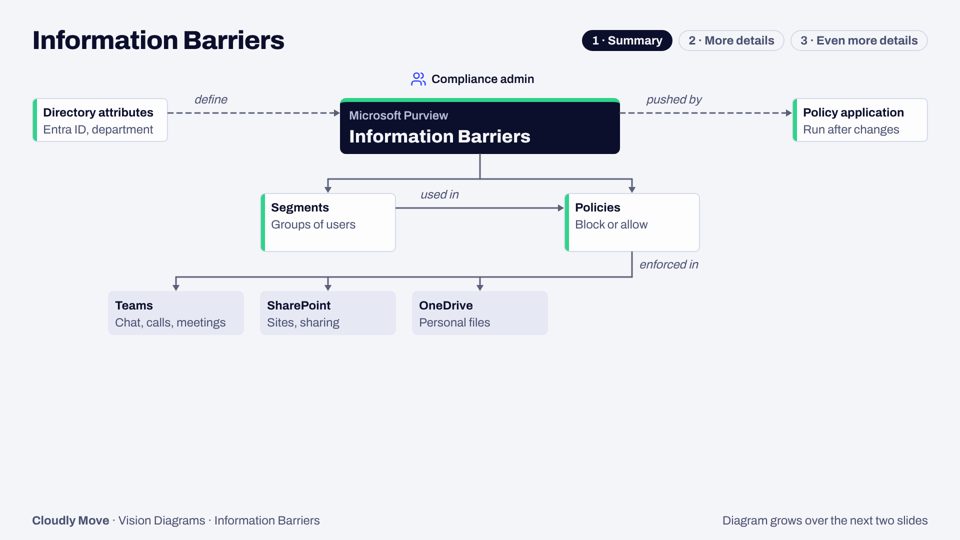
Two-way policies that stop, or only allow, communication and collaboration between groups of people.
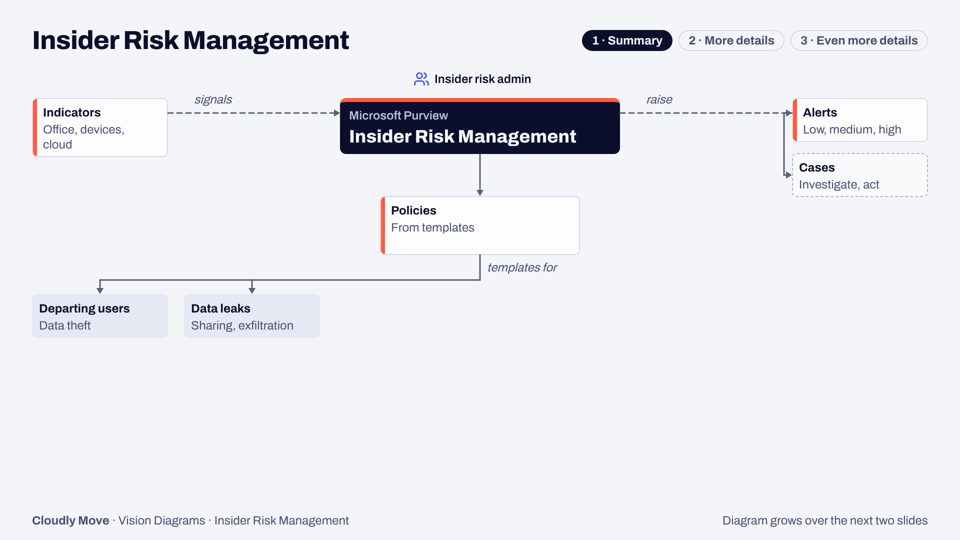
Turning signals about people and agents into scored alerts, investigations and adaptive controls, with privacy by default.
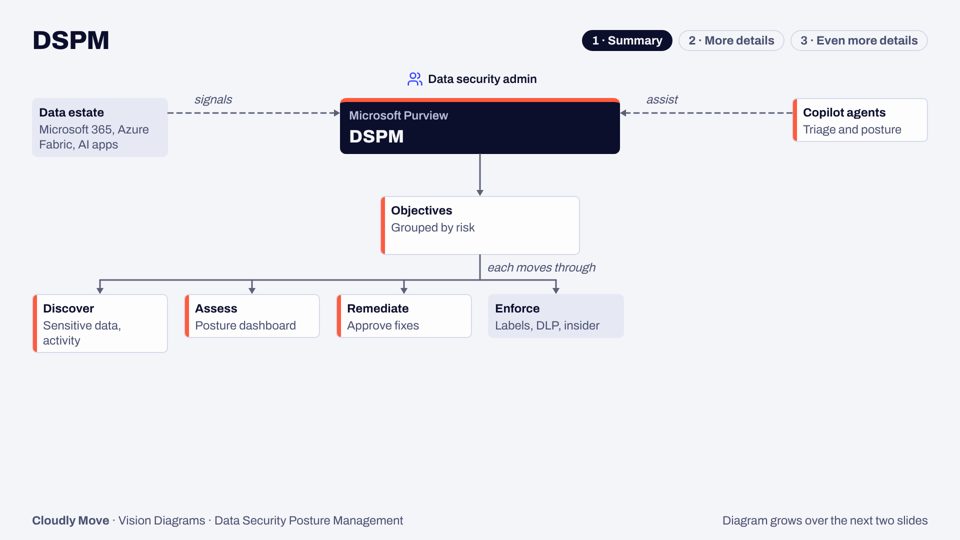
One hub to discover sensitive data and risk across your estate, then fix it through guided, objective-based remediation.
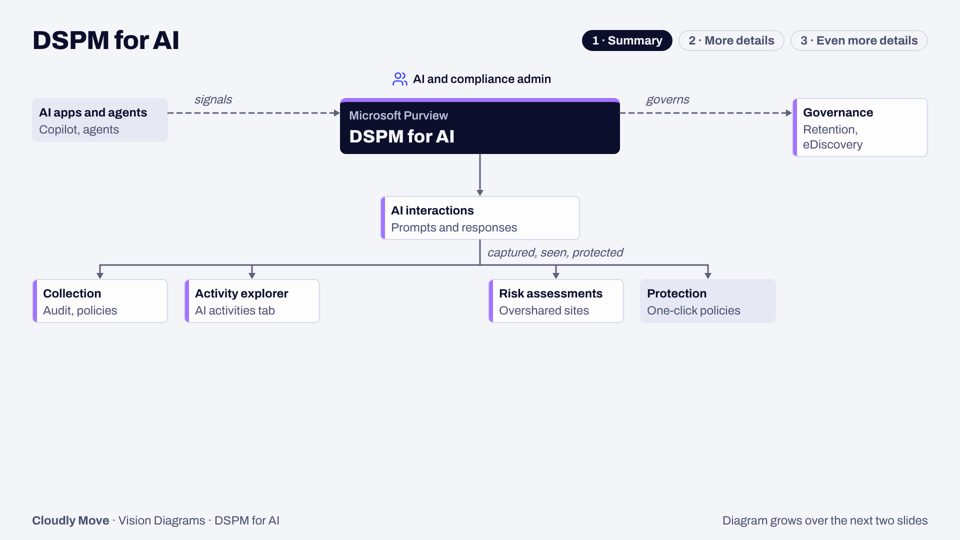
Seeing and protecting the data that flows through Copilot, agents and other AI apps, now part of the unified DSPM.
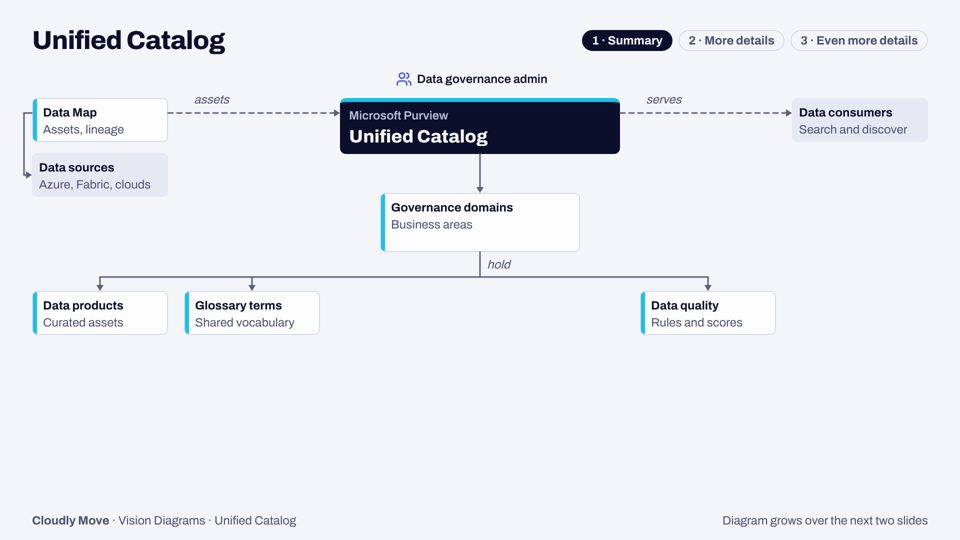
Data governance on top of the Data Map: domains, data products, glossary terms, data quality and self-service access.
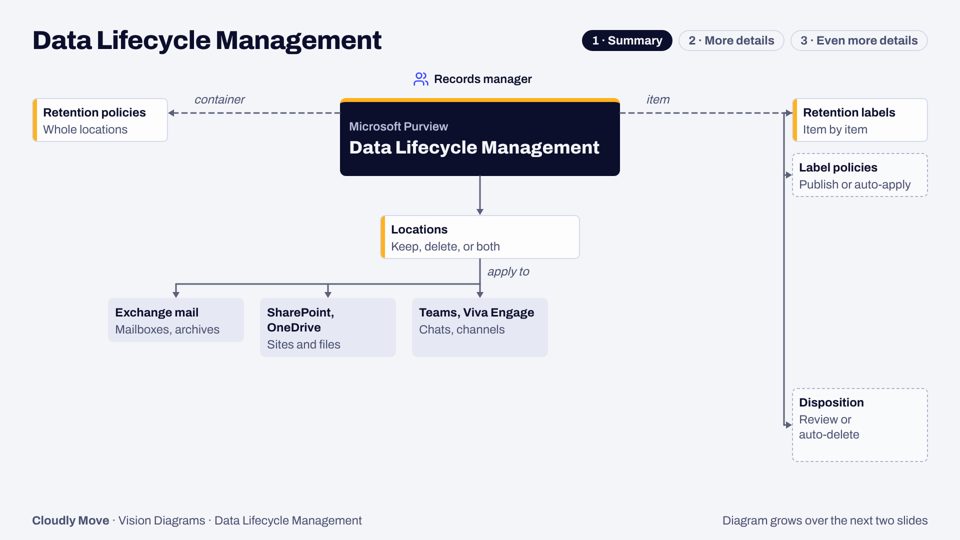
Retention policies, retention labels and records management: keeping what you must, deleting what you can, and proving it.
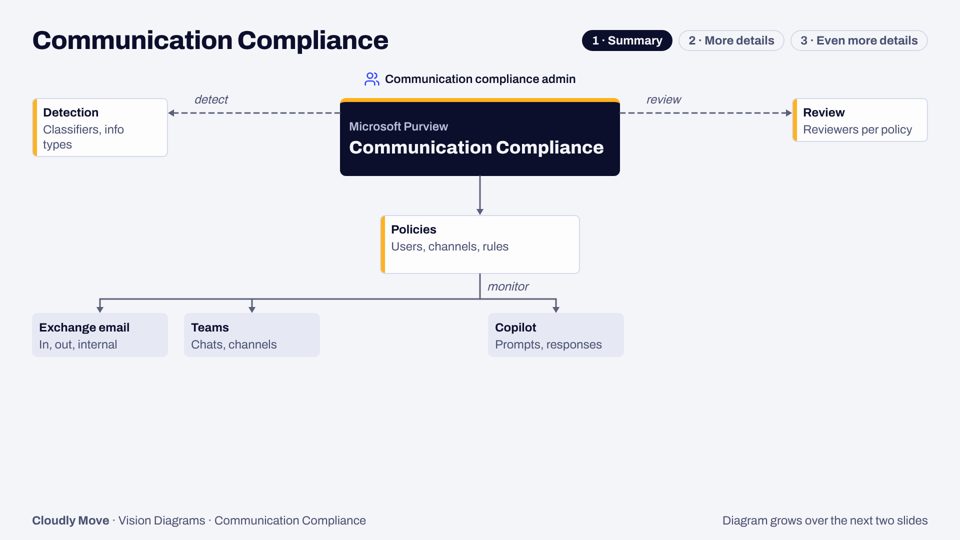
Finding and fixing risky messages across email, Teams, Viva Engage, Copilot and third-party channels, with privacy built in.
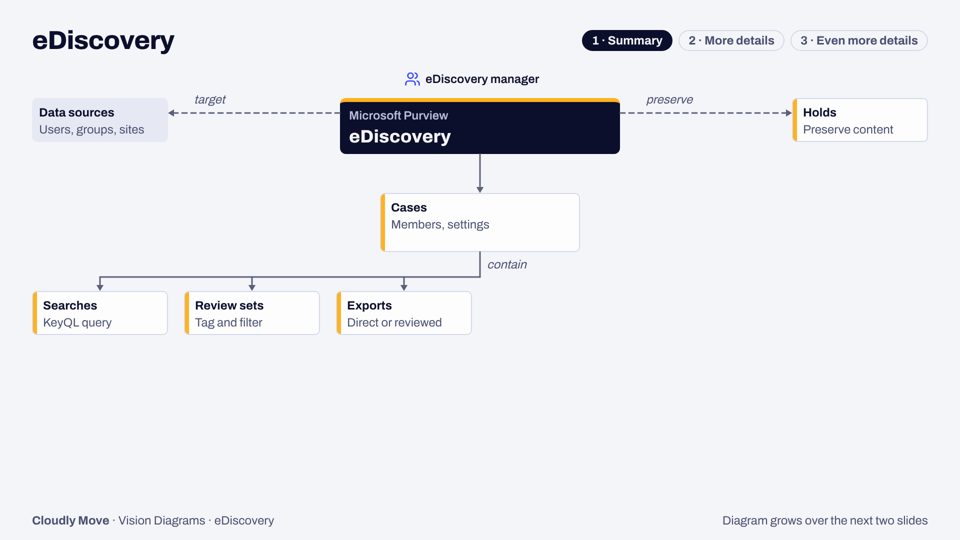
One case-based experience to find, hold, review and export Microsoft 365 content, plus AI-driven data security investigations.
Tell us where to send it. We'll email the deck within a few minutes, and may follow up once to ask whether it helped.
Rather talk it through? Book a 30-minute call (opens in a new tab).
Inspired by Thierry Matusiak's Vision Diagrams for Purview (CC0). Redrawn and updated by Cloudly Move from public Microsoft documentation, November 2026. Not official Microsoft documentation.
Book a 30-minute call and tell us what worries you about Microsoft 365: oversharing, an audit, or a Copilot rollout. Or email us and we'll reply within one working day.